环境为Debian9物理机
一,Docker镜像加速器
参见之前的博客”docker简单配置”。不用镜像加速器的话,下载镜像会非常慢。
二,构建tomcat镜像
方法一:docker pull tomcat
docker search tomcat //查找Docker Hub上的tomcat镜像

docker pull tomcat  // 拉取官方的镜像

docker images|grep tomcat  //等待下载完成后,我们就可以在本地镜像列表里查到REPOSITORY为tomcat的镜像
方法二:通过 Dockerfile 构建
这个就不说了,头大,看不懂
三,使用tomcat镜像
docker run --name tomcat -p 8080:8080 -v $PWD/test:/usr/local/tomcat/webapps/test -d tomcat  //运行容器

docker ps  //查看容器启动情况
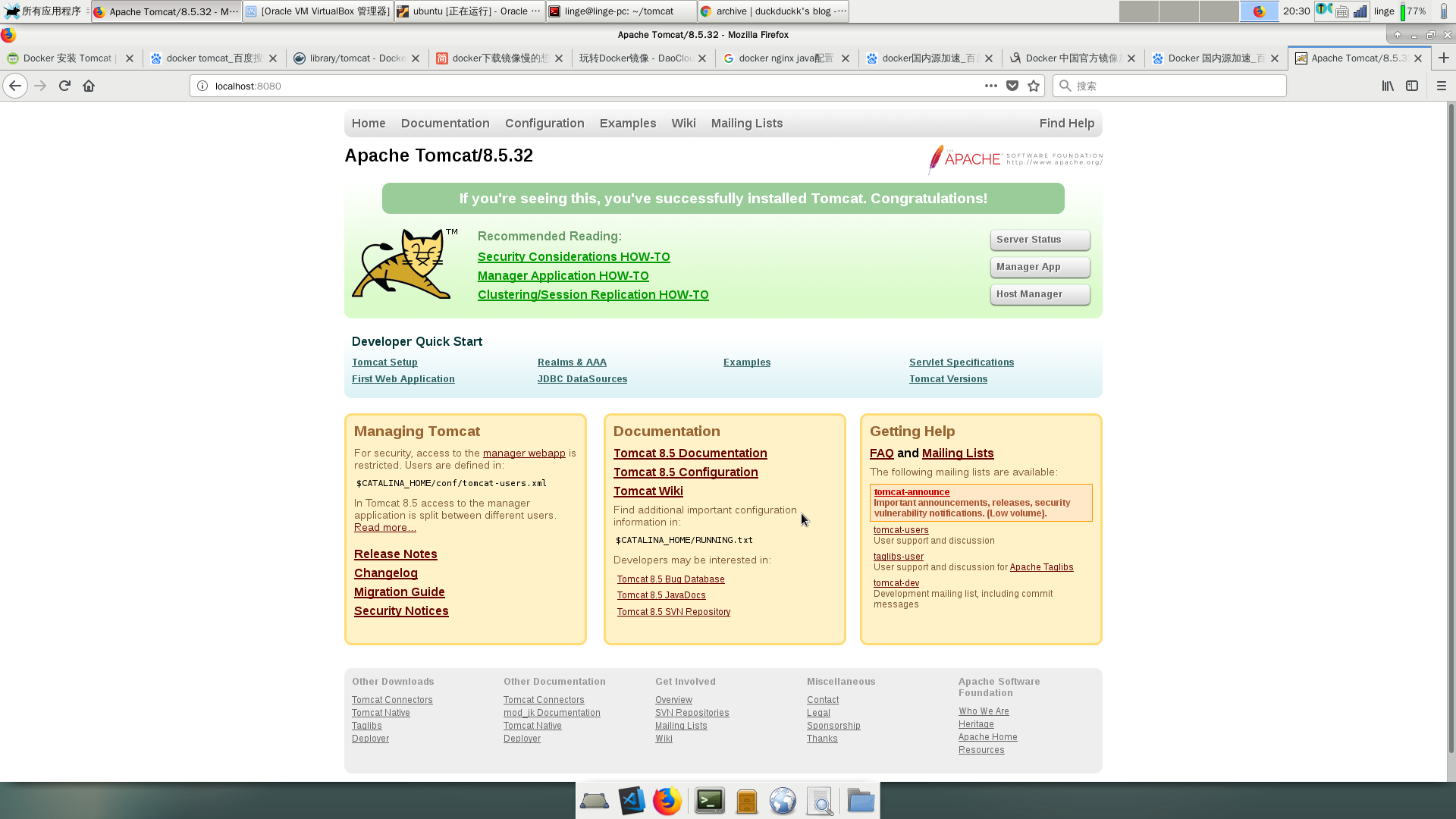
在浏览器地址栏中访问 localhost:8080
END
Thanks!
http://www.runoob.com/docker/docker-install-tomcat.html